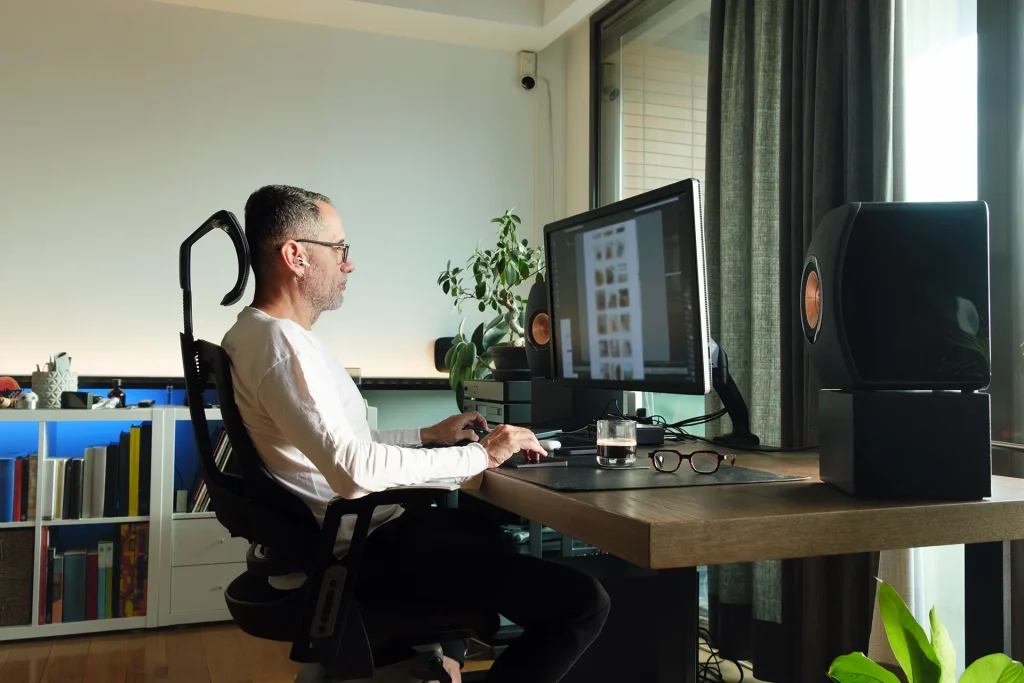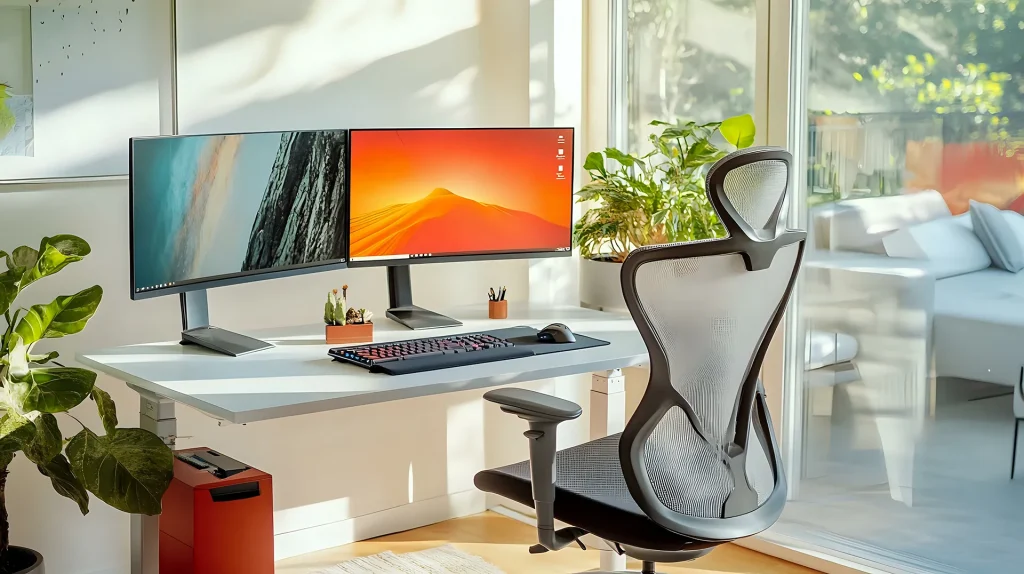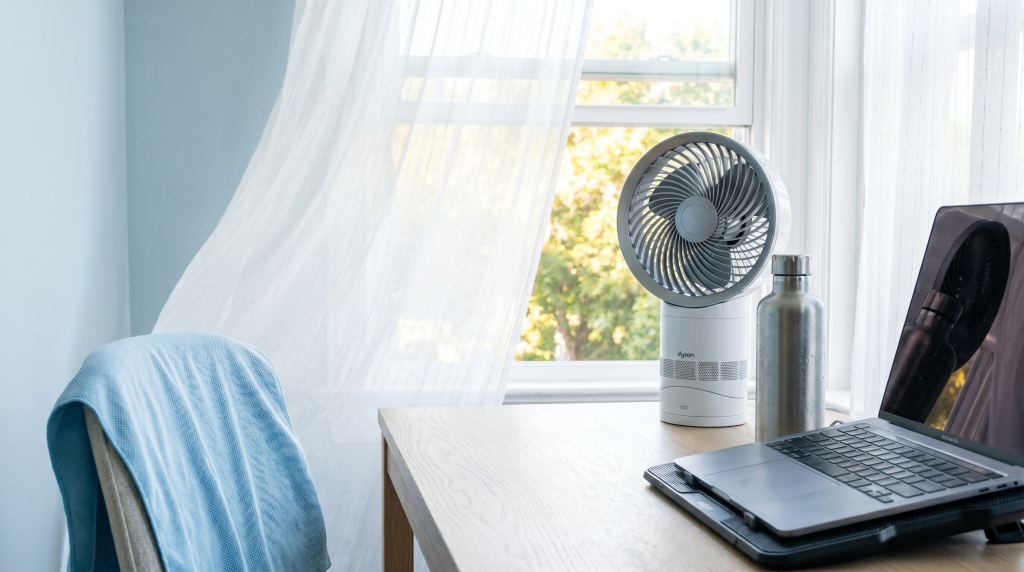
Your home office hits 85°F by 2 PM. Your laptop fan sounds like a jet preparing for takeoff. You have changed shirts twice, your focus is gone, and that deadline is not going anywhere. Sound familiar?
Summer heat is a genuine productivity killer. If you are searching for how to keep home office cool in summer, you are not alone — millions of remote workers face this exact problem every year. Research shows that when indoor temperatures climb past 80°F, cognitive performance drops sharply — error rates increase by up to 44%, reaction times slow, and deep work becomes nearly impossible. Unlike a climate-controlled corporate office, your spare bedroom or kitchen table does not come with industrial AC. You are on your own — but the solutions are simpler than you think.
Here is the good news: you do not need central air or a $500 portable unit to stay productive this summer. Below are 10 practical ways to keep your home office cool, organized from free quick wins to smart gear investments. Every single tip is something you can act on today — no contractor visits, no major renovations, just proven strategies that work for real home offices.
1. Master Your Windows — The Free 10°F Drop
Windows are the single biggest lever for controlling home office temperature. Get this right and you can drop your room by 5–10°F before spending a dollar.
How to do it:
- Open windows at night: The moment outdoor temperatures dip below indoor temperatures, open every window in your office. Let cool night air flood the room.
- Close them before sunrise: As soon as the sun hits, close all windows. You are trapping cool air inside — do not let warm morning air undo your overnight cooldown.
- Create cross-ventilation: Open windows on opposite sides of the room. Place a fan pointing outward in one window to actively pull hot air out while drawing cool air from the other side.
If nighttime temps in your area drop into the 60s even during summer, this single habit — open at night, close at dawn — can keep your office comfortable until early afternoon without any equipment.
2. Point Your Fan at the Door, Not Your Face
Most people aim a fan at themselves and call it done. That cools you but does nothing for the room temperature. The goal is to exchange hot indoor air for cooler air from elsewhere in the house.
Fan placement that actually works:
- Doorway fan pointing OUT: Place a box fan or air circulator in your doorway, pointing out of the room. This pushes hot, stuffy air into the hallway and pulls cooler air in from the rest of the house.
- Window fan pointing OUT: On the sunny side of the house, face a fan outward to exhaust hot air. On the shaded side, face it inward to pull in cooler air.
- Staircase strategy: For multi-level homes, place a fan at the top of the stairs pointing down during the day. Heat rises — help it go where you do not need it.
The physics is simple: you want to exchange air, not just stir it. A fan pointed at the wall or doorway will cool your room faster than one pointed at your face.
3. Block Sunlight Before It Becomes Heat
Sunlight streaming through windows during peak hours (10 AM–4 PM) can raise room temperature by 10–15°F through passive solar gain alone. The fix costs almost nothing.
Three layers of defense:
- Keep blinds fully closed on any window that gets direct sun during work hours. Even basic mini-blinds block a surprising amount of heat.
- Upgrade to thermal blackout curtains on west- and south-facing windows. Triple-weave fabric with a white thermal backing reflects heat outward and can reduce incoming solar heat by up to 33%. White-backed curtains are significantly better than dark-backed ones for heat rejection.
- Exterior shade if possible: An awning, shade sail, or even a strategically placed patio umbrella outside a window blocks heat before it ever reaches the glass. This is the most effective option if you have any outdoor space to work with.
👉 Shop thermal blackout curtains on Amazon
4. Schedule Around the Sun, Not Against It
You have flexibility as a remote worker — use it. Fighting the afternoon heat is a losing battle. Working with it is a strategy.
How to structure your summer workday:
- 6 AM–10 AM — Deep work window: Your brain is sharp, your room is cool. Schedule writing, analysis, coding, and creative tasks here. This is your most productive window of the entire day.
- 10 AM–2 PM — Meetings and collaboration: Room temperature is rising but still manageable. Handle calls, team syncs, and collaborative work during this window.
- 2 PM–5 PM — Light work window: Peak heat. Pivot to email, admin tasks, async communication, training videos — work that survives lower focus levels. If possible, take a real break during the hottest hour.
- 5 PM onward — Optional catch-up: As temperatures start dropping, you can circle back to anything urgent. But do not make this your primary work window or you will burn out.
Remote work gives you schedule control. Summer is the season to actually use it.
5. Upgrade to a Real Desk Fan ($15–$35)
That $8 clip-on fan from the drugstore is not cutting it. A proper air circulator moves air across the entire room and makes a noticeable difference in comfort within minutes.
Our top pick: Vornado 630 Mid-Size Air Circulator (~$35)
This is the desk fan that actually moves air. It uses a unique vortex design that pushes a focused beam of air up to 70 feet — enough to circulate an entire home office. At low speed it is quiet enough for calls. At high speed it feels like an open window on a breezy day. A 5-year warranty and compact desk footprint make it the best all-around choice for remote workers.
✅ Pros
- Moves air up to 70 feet
- Compacts well on a desk
- Quiet enough for calls on low speed
- 3 speed settings
- 5-year warranty
❌ Cons
- No oscillation
- Not USB-powered (needs outlet)
- Audible on highest setting
👉 Vornado 630 — Check Price on Amazon
Budget pick: Honeywell HT-900 TurboForce (~$15). Small, surprisingly powerful, and nearly inaudible on low. Best for direct spot cooling on a tight budget. Unlike the Vornado which circulates room air, the Honeywell is best aimed directly at your seating position. Check price on Amazon →
What to look for in a desk fan for remote work: Prioritize noise level under 40 decibels on low speed if you take calls from your desk. Air circulators (Vornado-style) are better for whole-room cooling. Personal fans (Honeywell-style) are better for direct spot cooling. If desk space is tight, a USB fan that clamps to the edge of your desk keeps your surface clear.
6. Add a USB Personal Fan for Video Calls ($12–$15)
For targeted cooling that does not blast noise into your meetings, a small USB desk fan is ideal. These plug directly into your laptop or monitor and use almost no power.
Our pick: Gaiatop USB Desk Fan (~$15). Whisper-quiet at low speed, adjustable tilt, and takes up less space than a coffee mug. Perfect for keeping your face and hands cool during long Zoom sessions. Check price on Amazon →
Ultra-budget option: SmartDevil Small Desk Fan (~$12). Three speeds, USB-powered, nearly silent on low. Excellent for secondary workspaces or as a backup. Check price on Amazon →
Video call tip: Position your personal fan slightly off-axis — aim it at your chest or torso rather than directly at your face. This keeps you cool without blasting microphone noise into your calls. Most meeting apps (Zoom, Teams, Meet) have background noise suppression that handles low-level fan hum, but a fan pointed straight at your mouth will still get picked up. Test your setup before an important meeting.
7. Manage Your Tech Heat (Free, and Often Overlooked)
Your monitors, desktop tower, laptop charger, and docking station are silent space heaters. A typical dual-monitor desktop setup pumps 200–400 watts of heat into a small room — enough to raise the temperature 5–10°F over a workday.
Five ways to reduce tech heat output:
- Lower your monitor brightness: Every 10% reduction cuts heat output noticeably on larger screens. 70% brightness is usually fine for office work and saves significant energy.
- Route desktop tower exhaust away from your body: Position your tower so the exhaust fans blow toward an open area, not toward your legs or into a corner.
- Put equipment to sleep during breaks: A 30-minute lunch break with monitors and computer in sleep mode gives components meaningful time to cool down.
- Lift your laptop: A simple stand improves airflow under your laptop and reduces heat buildup by 5–10°F compared to sitting flat on a desk.
- Clean up your cable management: Tangled cables trap heat around your desk area. Good cable management improves airflow and makes your setup feel cooler and cleaner.
8. Use a Laptop Cooling Pad ($20–$30)
If you work primarily from a laptop, a cooling pad is one of the highest-impact purchases you can make for summer comfort. These are raised platforms with built-in USB fans that actively pull heat away from the bottom of your laptop.
Why it matters:
- Reduces laptop surface temperature by 5–15°F
- Prevents thermal throttling — your laptop deliberately slowing itself down to avoid overheating (this affects video call quality and general performance)
- Raises your screen slightly, improving posture as a side benefit
- Particularly valuable if you do video editing, run VMs, or work with large datasets
If you primarily use browser-based tools and email, a cooling pad is nice-to-have but the free strategies above will do more for your comfort. If your laptop regularly feels hot to the touch, this is a worthwhile investment.
👉 Shop laptop cooling pads on Amazon
9. Deploy Small Cooling Accessories for Extreme Days ($10–$25)
When temperatures spike above 90°F, small accessories can make the difference between miserable and manageable.
Battle-tested cooling accessories:
- Cooling towel (~$10 for a 4-pack): Soak in water, wring out, drape around your neck. Evaporative cooling actually works — these stay cool for hours through simple physics. Shop cooling towels →
- Insulated water bottle: Fill with ice water at the start of the day. Cold hydration keeps your core temperature lower than room-temperature water. The 64-ounce Hydro Flask or similar keeps ice frozen for hours.
- DIY evaporative cooler: Place a bowl of ice directly in front of your desk fan. The fan blows air across the ice, creating a makeshift AC effect. Pro tip: freeze water bottles instead of using ice cubes — they last longer, create less mess, and you can rotate them from freezer to desk throughout the day.
- USB neck fan (~$20–$30): A hands-free personal fan that sits around your neck and blows air upward toward your face. Great for standing desk users and anyone who moves around during calls. Look for bladeless models with at least 3 speed settings. Shop neck fans on Amazon →
- Gel wrist rest: A cooling gel pad at your keyboard absorbs body heat from your wrists, where blood flows close to the skin. Not a game-changer on its own, but helpful in combination with other strategies.
10. Know When to Invest in Active Cooling ($150–$400)
If your home office regularly hits 85°F+ and the strategies above are not enough, it is time to consider powered cooling. Here is how the options compare:
- Portable AC unit (~$250–$400): Plugs into a standard outlet, vents hot air through a window kit included with most units. Good for renters and single-room cooling. Downside: they are loud (50–60 dB, about the level of normal conversation) and use significant electricity. If you take frequent client calls, budget for a quieter model or plan to turn it off during calls.
- Window AC unit (~$150–$300): More efficient and quieter than portables. Requires a compatible window — check your window type before buying. Horizontal sliding and casement windows sometimes need adapter kits.
- Mini-split system (~$1,500+ installed): The gold standard. Whisper-quiet, energy-efficient, provides both cooling and heating. Worth the investment if you are a full-time remote worker in a hot climate and this is your permanent office space.
For most remote workers, a portable AC combined with the free strategies in tips 1–4 is the sweet spot of cost and comfort. Try the free strategies for a week first — you might be surprised how far they get you.
Cooling Product Comparison: What to Buy for Your Home Office
| Product | Type | Price | Best For | Noise Level |
|---|---|---|---|---|
| Vornado 630 | Air Circulator | ~$35 | Whole-room cooling, all-day use | Quiet on low |
| Honeywell HT-900 | Personal Fan | ~$15 | Direct spot cooling, tight budget | Very quiet |
| Gaiatop USB Desk Fan | USB Desk Fan | ~$15 | Video calls, small desk footprint | Whisper-quiet |
| USB Neck Fan | Wearable Fan | ~$25 | Standing desk, moving around during calls | Low hum |
| Laptop Cooling Pad | Cooling Pad | ~$25 | Laptop users, thermal throttling prevention | Quiet on low |
How to choose: If your whole office gets hot, start with the Vornado 630 — it circulates air throughout the entire room. If you just need personal relief at your desk, the Honeywell HT-900 at $15 is the best value. For video calls, the Gaiatop USB Desk Fan is nearly silent. Neck fans shine for standing desk users. And if you work from a laptop that gets hot to the touch, a cooling pad prevents performance drops from thermal throttling.
Prices are approximate and may vary. All links are affiliate links — we may earn a small commission at no extra cost to you.
Quick Reference: The 10 Ways at a Glance
- Master your windows: Open at night, close at sunrise, create cross-ventilation
- Point fans outward: Position fans to exhaust hot air, not just circulate it
- Block sunlight: Thermal blackout curtains on sun-facing windows cut heat gain by 33%
- Work with the sun: Deep work in cool mornings, light work during peak heat
- Get a real desk fan: Vornado 630 ($35) or Honeywell HT-900 ($15) — both outperform cheap clip-ons
- Add USB personal cooling: Small, quiet fans for video calls without mic noise
- Reduce tech heat: Lower brightness, route exhaust, sleep mode during breaks
- Use a laptop cooling pad: Best $20 fix if your laptop runs hot
- Deploy cooling accessories: Cooling towels, ice water, DIY evaporative cooler
- Active cooling as last resort: Portable AC for the hottest rooms and climates
Start Tomorrow Morning
Here is a 5-minute, zero-dollar action plan you can execute tomorrow:
- ✅ Open your windows before bed tonight
- ✅ Close them when you wake up
- ✅ Close blinds on sun-facing windows
- ✅ Move your deepest work to the morning
- ✅ Point your fan toward the doorway (not your face)
That is five things, zero dollars, and maybe 10 minutes of effort. Do them tomorrow and you will feel the difference by lunchtime.
Learning how to keep home office cool in summer does not require expensive equipment or major renovations. Start with the free strategies, add one or two budget upgrades, and you will have a workspace that stays productive even on the hottest days of the year.
For more home office setup advice, check out our guides to complete home office desk setup ideas, designing a workspace for deep concentration, and cable management solutions that improve airflow around your desk.
Disclosure: This post contains affiliate links. If you purchase through these links, we may earn a small commission at no extra cost to you. We only recommend products we have researched and believe deliver real value for remote workers.

David Park researches and reviews productivity software, AI tools, and automation workflows. He helps professionals work smarter by finding the tools that actually deliver results.