A great home office deep focus setup starts with your environment, not your willpower. You sit down at your desk, coffee in hand, ready to crush your morning. Ten minutes later, you’re scrolling your phone. Twenty minutes after that, you’re doing laundry “just real quick.” Sound familiar?
The problem isn’t your willpower. It’s your environment. Your home office is either working for your focus or against it, and most remote workers never actually design their space for deep concentration. They just throw a desk in a corner and hope for the best.
Let’s fix that. Here’s exactly how to set up your home office for deep focus — no expensive gadgets required.
Declutter Every Surface You See
Visual clutter is the silent killer of focus. Every item on your desk is competing for your brain’s attention, even if you don’t realize it. Your visual cortex processes everything in your field of view, and each extra object is a tiny cognitive load.
Start with the rule of surfaces: your desk should only hold what you need for your current task. Everything else finds a home — drawer, shelf, or the trash. Studies from Princeton University’s Neuroscience Institute found that physical clutter competes for neural attention, reducing your ability to focus on a single task.
Keep on your desk:
- Your computer and monitor
- A notepad and pen for quick capture
- Your water bottle
- One personal item (photo, plant, whatever makes you smile)
Everything else goes in drawers or off the desk entirely. Cable management also matters — a nest of wires is visual noise. Even basic cable ties make a difference.
Control the Noise (Both Audio and Visual)
Noise is the #1 complaint among remote workers. But noise isn’t just sound — it’s visual distraction too.
Audio: If you share your space with others, noise-canceling headphones are the single best investment you can make for focus. Even if you don’t want headphones, a white noise machine or a fan creates a consistent sound mask that prevents sudden noises from breaking your concentration.
Research from the Journal of Consumer Research shows that moderate ambient noise (about 70 decibels) actually boosts creative thinking. Dead silence is just as bad as loud noise. The sweet spot is consistent, moderate background sound.
Visual: Position your desk so you’re not facing high-traffic areas like hallways or the kitchen. If you can’t avoid it, use a room divider, a tall plant, or even a curtain to block line of sight. Your brain unconsciously tracks movement in your peripheral vision — every time someone walks past, you lose focus.
Light Your Space for Alertness
Lighting is the most overlooked focus tool in a home office. Bad lighting causes eye strain, headaches, and drowsiness. Good lighting keeps you sharp.
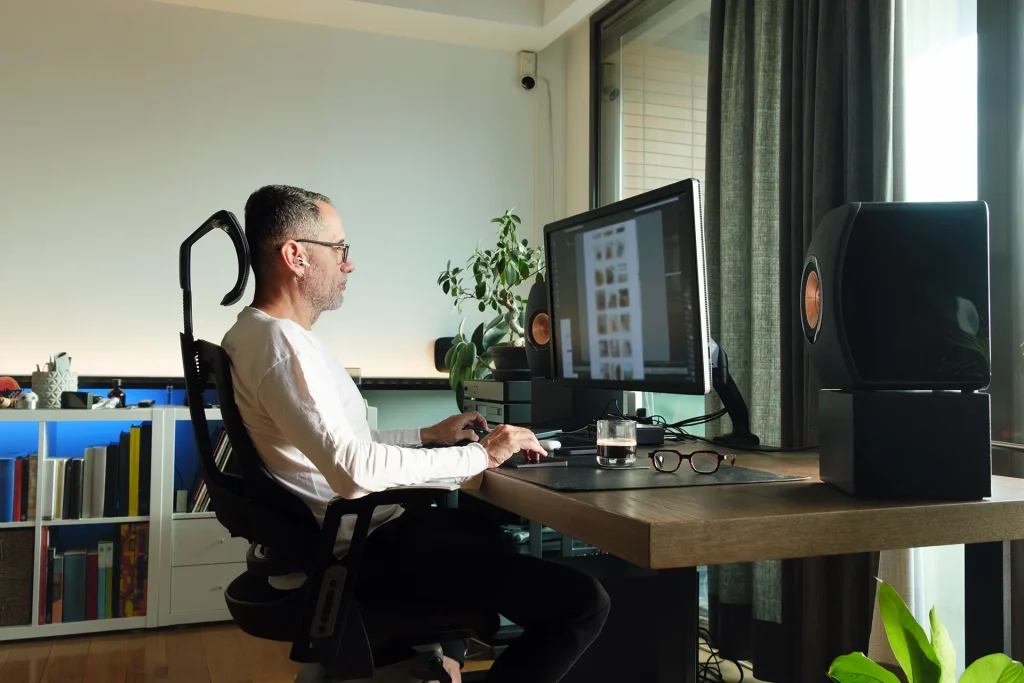
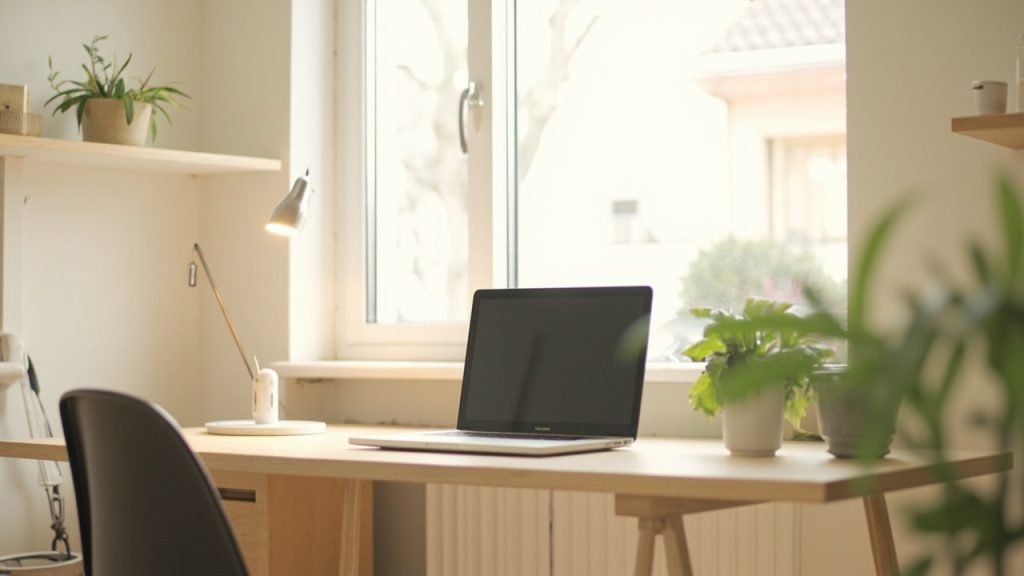
Natural light is best — position your desk perpendicular to windows (not facing them, which causes glare). If you don’t have good natural light, use a combination of:
- Overhead lighting (warm, not harsh fluorescent)
- A task lamp aimed at your work surface, not your face
- A bias light behind your monitor to reduce eye strain
The color temperature matters too. Cool white light (5000-6500K) keeps you alert — it mimics midday sunlight. Warm light (2700-3000K) is better for evenings. Adjustable desk lamps let you switch between the two throughout the day.
Define Your Focus Zones Physically
Your brain associates spaces with activities. That’s why working from your bed feels wrong — your brain sees “sleep” there, not “work.”
If you have a dedicated office room, great. If not, create a visual boundary around your workspace. This can be as simple as:
- A rug that defines your work zone
- A room divider or curtain
- A specific corner that’s always your desk spot
- A small table that folds away when work is done
The key is consistency. When you’re in that zone, you work. When you step out, you don’t. Over time, your brain builds a Pavlovian response — entering the zone triggers focus mode automatically.
Set Up a Distraction-Free Digital Environment
Your physical setup matters, but so does your digital one. A clean physical desk means nothing if your screen is a circus of notifications.
Set up these three digital boundaries before every focus session:
- Turn off all notifications (Slack, email, phone). Everything can wait 90 minutes.
- Close every browser tab that isn’t related to your current task. Use bookmarks for “I’ll read this later” — don’t keep them open.
- Put your phone in another room or a drawer. Studies from the University of Texas found that just having your phone visible reduces cognitive capacity, even when it’s turned off.
For deep work, consider using the Pomodoro technique — 90-minute focused blocks with short breaks in between. This matches your brain’s natural ultradian rhythm.
Test Your Chair and Desk Height
You can’t focus when you’re uncomfortable. Physical discomfort is a distraction your brain can’t ignore for long.
The basic ergonomic checklist:
- Your chair supports your lower back (lumbar curve)
- Your feet rest flat on the floor (or a footrest)
- Your elbows are at 90 degrees when typing
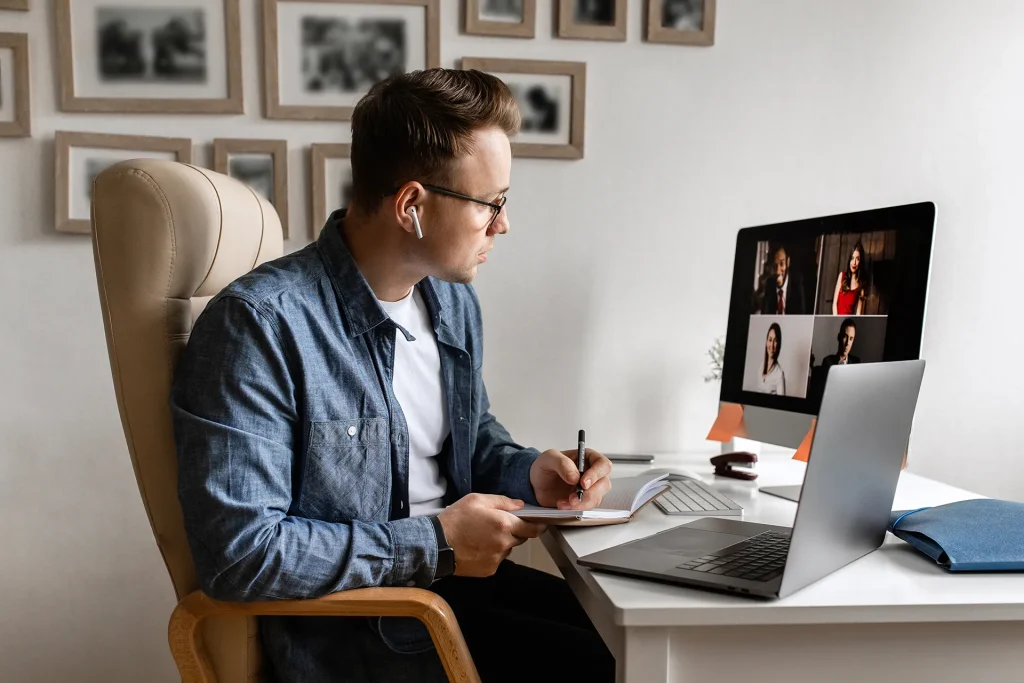
- Your monitor is at eye level — top of the screen at or just below eye height
- Your wrists are straight, not bent up or down
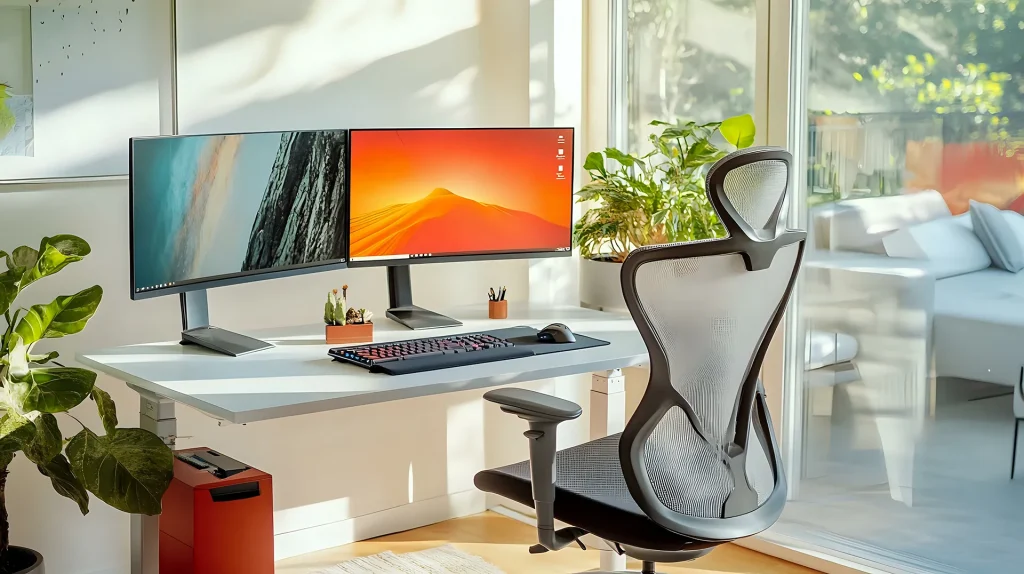
For a deeper dive, check out our home office desk setup ideas guide and ergonomic chair recommendations.
Build a Micro-Routine for Focus Transitions
The transition from “regular life” to “deep focus mode” is the hardest part. Your brain won’t instantly switch gears. You need a ramp.
Create a 3-minute pre-focus ritual:
- Clear your desk (one minute)
- Set one specific goal for this session (30 seconds)
- Open only the tools you need (30 seconds)
- Put headphones on (30 seconds)
- Start a focus timer (30 seconds)
Do this every single time. After two weeks, it becomes automatic. Your brain learns: “ritual = focus time.”
Your Focus-Friendly Home Office Checklist
- Desk cleared down to essentials
- Noise managed (headphones, white noise, or fan)
- Desk positioned away from high-traffic areas
- Lighting adjusted for alertness
- Focus zone defined physically
- Phone out of sight during work blocks
- Notifications turned off
- Ergonomics dialed in
- Pre-focus ritual in place
- Deep work blocks scheduled on your calendar
You don’t need a perfect space to start. Pick three items from the checklist above and implement them this week. Add three more next week. Small changes compound into a workspace that actually supports deep concentration.
Your home office can be a place where focus happens naturally — not something you fight against. It just takes intentional design.
Frequently Asked Questions
What is the best desk setup for deep focus?
The best desk setup for deep focus keeps your workspace minimal — only your computer, a notepad, and water on the desk. Position your desk perpendicular to windows to avoid glare, use task lighting, and keep your phone out of sight. Noise-canceling headphones or a fan for white noise helps maintain concentration.
How can I focus better in my home office?
Start with a 3-minute pre-focus ritual: clear your desk, set one specific goal, open only the tools you need, put on headphones, and start a focus timer. Work in 90-minute blocks followed by 20-minute breaks. Over time, this ritual trains your brain to enter focus mode automatically.
Do I need a separate room for deep work?
No, but you need a defined boundary — a rug, room divider, or specific corner that is only for work. Your brain associates spaces with activities, so consistency matters more than square footage. Even a small dedicated spot works if you use it consistently.
What color temperature is best for focus?
Cool white light (5000-6500K) mimics midday sunlight and keeps you alert during work hours. Warm light (2700-3000K) is better for winding down in the evening. An adjustable desk lamp lets you switch between both throughout the day.
How long does it take to build a focus routine?
Most people see results within two weeks of consistent practice. The key is repeating your pre-focus ritual every single time. After about 14 days, entering your workspace and completing the ritual will trigger an automatic focus response.

David Park researches and reviews productivity software, AI tools, and automation workflows. He helps professionals work smarter by finding the tools that actually deliver results.